
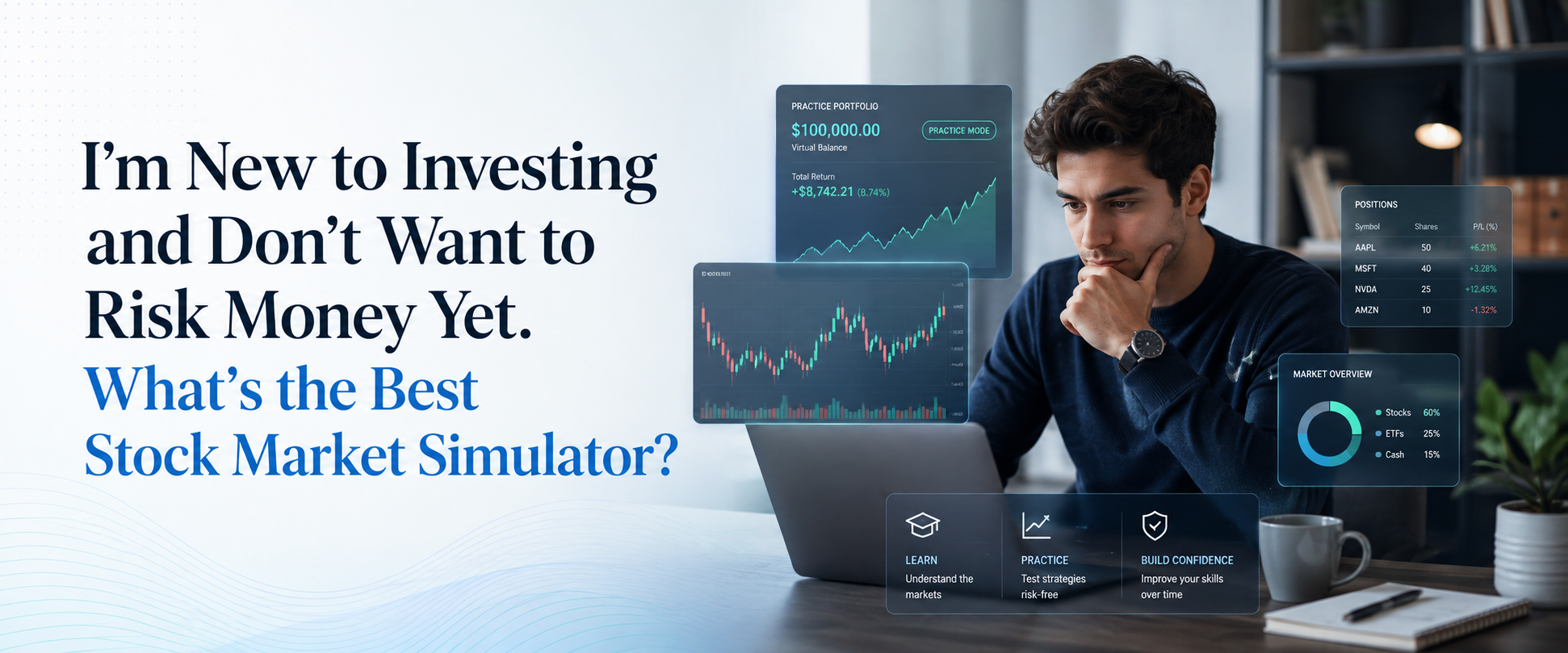
The best stock market simulator for a complete beginner is one that mirrors real NSE/BSE prices, lets you place actual order types, and tracks your results, all with virtual money instead of your savings. Neostox is built around exactly this: live market conditions, zero real capital, and no brokerage account needed to start.
That's the short answer. The longer answer depends on where you actually are in your journey right now. "New to investing" covers a wide range of starting points, and the right simulator for you depends on which stage you're at.
Where are you starting from?
Most people who ask this question fall into one of three starting points. Figuring out which one you're in changes what you should look for.
- I don't understand what a trade even is: You've heard terms like buy, sell, stop-loss, and margin, but you've never actually placed an order. You need a simulator with a genuinely simple interface and short tutorials, not one built for active traders who already know the jargon.
- I understand the basics but I'm scared of losing money: You've read a few articles, maybe watched some YouTube videos, and you know roughly how a trade works. What's holding you back is the fear of watching your own money disappear on a bad call. You need a simulator realistic enough that the lessons actually transfer when you do go live.
- I have a strategy idea and want to test it before committing capital: You're past the basics and want to know if your approach (a breakout strategy, a swing-trading rule, an options play) actually works before you risk anything. You need a simulator with real charting, screeners, and enough order types to test your specific approach.
Wherever you are, the mechanics of choosing a good simulator stay the same. What changes is how much you'll lean on the built-in tutorials versus the advanced tools.
Why a simulator makes sense before real money
A simulator lets you fail without cost. That sounds obvious, but the actual value is more specific than "no risk."
When you're new, most of your early mistakes aren't about market knowledge. They're about mechanics. Which order type do you use? What happens if your stop-loss doesn't trigger fast enough? How do you actually read a candlestick chart while a trade is live? These are motor-skill problems, not intelligence problems, and they're far cheaper to solve with virtual money.
A simulator also removes the one variable that skews every beginner's early judgment: panic. Watching a real ₹5,000 position drop 8% in ten minutes triggers decisions that have nothing to do with strategy. Practicing the mechanics first, separately from that panic, means your first real trades are about strategy, not about learning to click the right button while your hands are shaking.
That said, a simulator can't replicate everything. More on that below.
What actually makes a simulator good for a beginner
Not every platform that calls itself a "simulator" is built the same way. Before you pick one, check for these five things.
- Real or near-real market prices: A simulator that runs on made-up numbers teaches you nothing about how actual stocks move. You want live NSE/BSE price tracking, not synthetic data.
- Actual order types: If the platform only lets you buy and sell at market price, you're not learning anything about limit orders, stop-losses, or bracket orders, which are the tools you'll need for real risk management.
- A visible account and trade history: You need to see your virtual balance change and be able to look back at past trades. Without a record, you can't tell what you're actually learning.
- Coverage of the instruments you care about: If you eventually want to trade options, make sure the simulator supports options, not just plain equity buying and selling.
- No cost or commitment to start: As a beginner, you shouldn't have to pay to find out whether a platform's interface makes sense to you.
Neostox checks each of these. It runs on live market conditions across equities, futures, and options, supports the order types you'd use in a real account, and gives you trade reports to review your history. It also includes a stock, sector, and index screener (NeoScreener) plus charting tools, all without requiring a broker account to get started. On top of that, it has an options chain analysis tool and short video tutorials built in, which matters if options is where you eventually want to go.
Getting started: your first week on a simulator
Here's a practical walkthrough for your first week, regardless of which platform you use.
- Day 1. Set up and explore: Create your account, look through the interface, and watch two or three of the short tutorial videos before placing any trade. Don't skip this: most beginner confusion comes from clicking without understanding what a button does.
- Day 2. Place one trade and just watch it: Pick a stock you recognize; a large, familiar company is easier to follow than something obscure. Place a small simulated buy order and watch how the price moves over the day. Don't set a target yet, just observe.
- Day 3 to 4. Practice order types: Place a limit order instead of a market order. Set a stop-loss on a trade and watch what happens if the price approaches it. The goal here is mechanics, not profit.
- Day 5. Start a simple journal: Write down every trade: what you bought, why, what happened, and what you'd do differently. This single habit does more for your learning than any tutorial.
- Day 6 to 7. Review the week: Look back at your trades. Did you understand why each one moved the way it did? Where did you hesitate? That hesitation is worth paying attention to, since it usually points to a gap in your understanding, not a personality flaw.
By the end of week one, you shouldn't expect to be profitable. You should expect to be comfortable with the mechanics, which is the actual goal at this stage.
What a simulator teaches you, and what it can't
It's worth being honest about the limits here, because overselling a simulator sets you up for a rough surprise when you eventually trade with real money.
What transfers well:
- How order types work and when to use each one
- Reading a chart and identifying a basic setup
- Position sizing and risk-per-trade math
- The discipline of keeping a trade journal
- How your chosen instruments actually behave day to day
What doesn't fully transfer:
- The emotional pull of watching real money move
- Slippage, the difference between the price you expected and the price you actually got
- Hesitating on a trade you'd take instantly in simulation
- The discipline to stick to a stop-loss when the loss is real
This isn't a flaw in simulators. It's a structural limit of practicing without real financial stakes. The honest way to use a simulator is as the first phase of learning, not the whole plan. When you eventually move to real trading, start with the smallest possible position size specifically so you can observe how your behavior changes under real pressure.
Common mistakes beginners make on simulators
A few patterns show up again and again with new users, worth watching for in your own practice.
- Trading with an unrealistic virtual balance: If a platform lets you start with ₹50 lakh in virtual money but you actually plan to invest ₹50,000, your position sizing decisions in the simulator won't match what you'll actually do live. Set your virtual balance close to what you realistically plan to start with.
- Skipping the journal: It's tempting to just click through trades and watch the number go up or down. Without writing down why you entered and exited, you're not building a repeatable process. You're just gambling with fake money.
- Only trading when things are going well: New users often abandon practice sessions after a bad run of losses. That's backwards: losing streaks in simulation are exactly where the useful lessons are, since there's zero financial cost to studying them closely.
- Jumping to complex instruments too fast: Options and futures behave very differently from plain equity, with faster price movement and more moving parts. Get comfortable with basic stock buying and selling before adding derivatives into your practice.
When are you ready to move past the simulator?
There's no fixed number of days. The better signal is whether you can answer yes to these:
- You understand every order type you're using and why you chose it, not just how to click it.
- You've kept a trade journal for at least a couple of weeks and can spot your own recurring mistakes.
- You've watched at least one losing streak play out without panicking or abandoning your plan.
- You know roughly how much you're comfortable risking per trade in real money, not just in the simulator.
When those are true, the right next step isn't jumping to your full intended trading size. Start live with the smallest amount you can, specifically to see how real financial stakes change your decision-making, then scale up gradually as your live behavior starts to match what you practiced.
Neostox is built for exactly this first phase. It combines live market conditions, real order types, and enough tools, including charting, screeners, and options chain analysis, to grow with you as you move from your first simulated trade to a strategy you actually trust. Start practicing with virtual money, at your own pace, with no brokerage account required.