
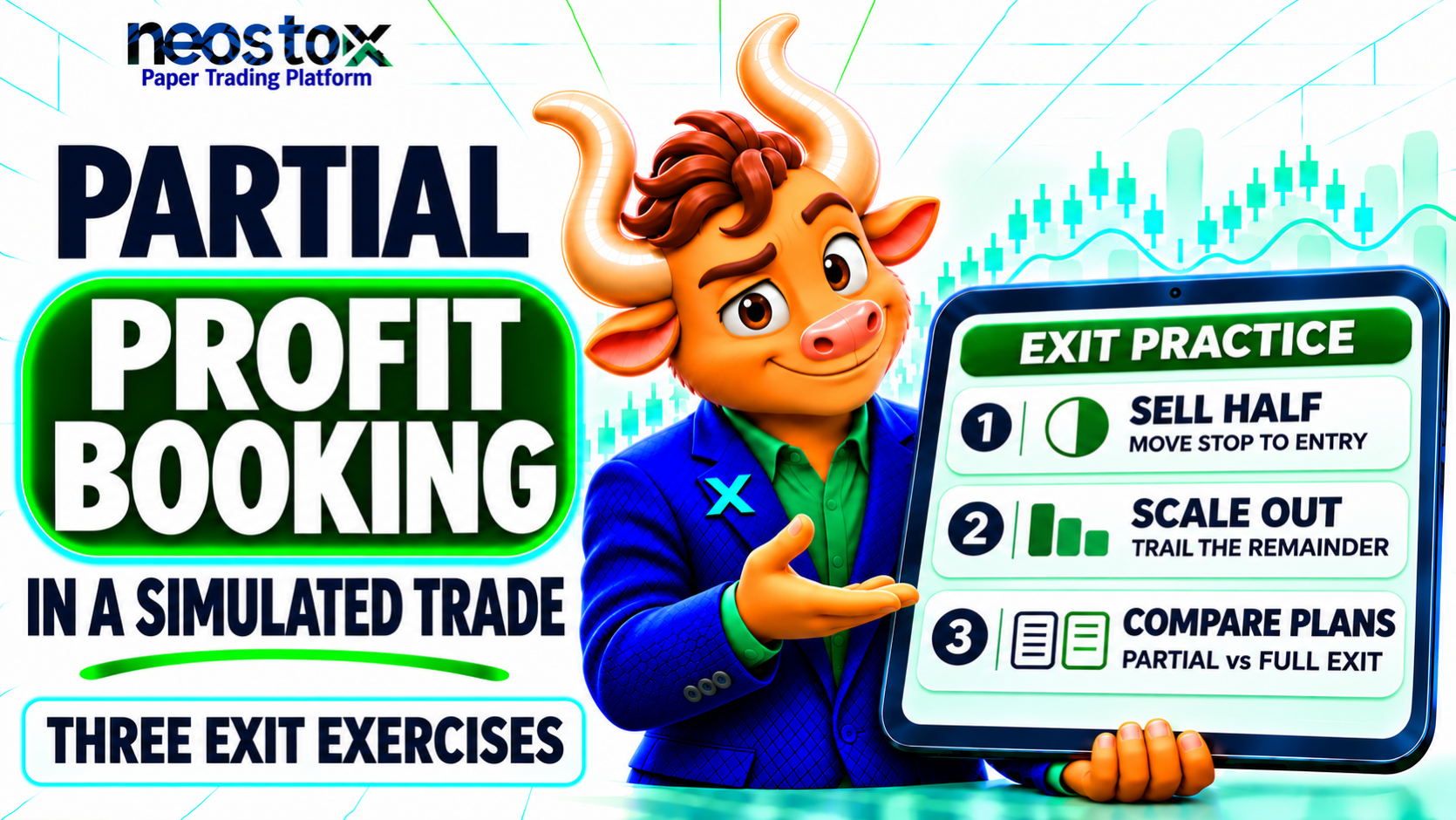
This guide gives you three exit exercises with one rupee example, plus the order, cost and lot-size checks that most guides skip. All figures are hypothetical and for education only.
What Is Partial Profit Booking?
Partial profit booking means selling part of an open position and keeping the rest. The sold shares turn unrealized profit into realized profit. The remaining shares stay exposed to later price moves, so they can add to the gain or give some of it back. Paper trading lets you test this with virtual money, but a simulator may fill orders more kindly than a live market does.
How Does Partial Profit Booking Work in a Simulated Trade?
Every partial exit splits one trade into two results. The closed part is realized: it is fixed and recorded. The open part is unrealized: it changes with every price tick until you close it.
For example, you buy 100 shares at ₹500 and sell 50 at ₹510. Your realized profit is 50 × ₹10 = ₹500. If the price then sits at ₹515, the other 50 shares show an unrealized profit of 50 × ₹15 = ₹750. Only the ₹500 is locked in. For another walk-through with costs, read Realised vs Unrealised P&L.
This changes three things you must plan before the trade:
- Quantity: how many shares you sell now and how many you keep
- Remaining stop: where the rest of the position exits if price turns
- Open orders: what happens to any stop or target you placed for the full size
Why Practice Partial Profit Booking With Virtual Money?
A partial exit adds decisions: how much to sell, where to move the stop, and what to do with the rest. Each decision is a chance for a costly slip. Virtual money lets you rehearse them with no real loss, so you can make mistakes at the order ticket instead of in a live account.
Paper trading has limits here. It rarely models your emotions when a winner starts to fall back. It may ignore charges. It may also fill a stop exactly at its price. Treat every result as a test of your process, not a forecast. Our guide on why the same trade can end differently in paper and real trading explains the gap.
What Do You Need Before You Practice?
Check these before your first exercise:
- Partial quantity: Can you sell fewer shares than you hold?
- Remaining orders: What happens to a working stop or target after a partial sale?
- Price data: Is the feed real-time or delayed?
- Costs: Does the platform deduct brokerage and charges?
- Records: Can you screenshot orders and fills?
Neostox's paper trading platform lets you practice stocks, futures and options with virtual money and delayed price data. The Neostox FAQs state that prices are delayed by 30 days, so use it to practice process, not market timing. Check its order ticket against the list above before you rely on it. Features differ by platform. On some platforms, take-profit and stop-loss attach only to certain entry types, so a plan with several targets may need separate orders. See the Neostox features page for the tools it lists, then test a partial sale yourself.
The Base Trade Used in All Three Exercises
All three exercises use one hypothetical trade so you can compare them. It uses ₹1,00,000 of virtual capital and a ₹1,000 risk budget, which is 1% and only an illustration. CME Group's position-sizing lesson describes how risk amount, stop distance and position size connect.
| Input | Value |
|---|---|
| Entry | ₹500 |
| Stop | ₹490 |
| Risk per share | ₹10 |
| Quantity | ₹1,000 ÷ ₹10 = 100 shares |
| 1R | ₹1,000 |
R is your planned risk on one trade. A gain of ₹1,000 here is +1R. The figures ignore brokerage, taxes and charges unless stated. To see how the ₹10 stop and 100-share size were worked out, read how to practice stop loss in paper trading.
How Do You Practice Partial Profit Booking? Three Exit Exercises
Run each exercise on the same chart and the same entry. Change only the exit plan. Write the plan down before you place the order. Mark your entry, targets and stop on a chart first. Neostox's advanced charting lists entry, target and stop-loss levels among its drawing tools.
Exercise 1: Sell Half at +1R and Move the Stop to Break-Even
The plan: Sell 50 shares at ₹510, which is +1R per share (a ₹10 gain on ₹10 of risk). Move the stop on the other 50 from ₹490 to ₹500, your entry. Set a target of ₹530 for the rest.
Step by step:
- Buy 100 shares at ₹500 with a stop at ₹490.
- When price reaches ₹510, sell 50 shares. Realized profit: ₹500.
- Cancel or change the old stop for 100 shares. Place a new stop for 50 shares at ₹500.
- Set a sell order for the remaining 50 shares at ₹530.
- Log which order fills first.
Possible outcomes:
| Path | Result | R |
|---|---|---|
| Price falls back to ₹500 and the stop fills there | ₹500 + ₹0 = +₹500 | +0.5R |
| Stop fills at ₹499 (slippage) | ₹500 − ₹50 = +₹450 | +0.45R |
| Price reaches ₹530 | ₹500 + 50 × ₹30 = +₹2,000 | +2R |
| Compare: all 100 sold at ₹510 | +₹1,000 | +1R |
| Compare: all 100 sold at ₹530 | +₹3,000 | +3R |
| Compare: stop at ₹490 hit, no partial sale | −₹1,000 | −1R |
What to notice: The partial sale gives up ₹1,000 of profit if price runs to ₹530, because half the position sold early. In return, it turns a pullback into a small gain instead of a full-size loss. Neither is better in general. The outcome depends on the price path.
A break-even stop does not guarantee a break-even result. A stop order's trigger price is not its execution price, as the SEC's guide to order types explains. A gap or fast move can fill it below ₹500. Stop-loss market vs stop-loss limit shows what each order type does after the trigger, and bid, ask and LTP explains why your fill can differ from the price on screen. Charges also make a "break-even" exit slightly negative on the remaining shares.
Exercise 2: Scale Out in Thirds and Trail the Last Part
The plan: Split 100 shares into 40, 30 and 30. Sell 40 at ₹510 and 30 at ₹520. Trail the last 30 with a stop kept ₹10 below the highest price reached.
The trailing distance is the gap between the highest price and the stop. A ₹10 trail after a high of ₹545 puts the stop at ₹535. Write the rule down so you apply it the same way each time. If your simulator has no trailing order, move the stop by hand and log the time and the reason.
Possible outcome: Price rises to ₹545, then falls and takes out the stop.
| Leg | Quantity | Exit | Profit |
|---|---|---|---|
| First target | 40 | ₹510 | 40 × ₹10 = ₹400 |
| Second target | 30 | ₹520 | 30 × ₹20 = ₹600 |
| Trailing exit | 30 | ₹535 | 30 × ₹35 = ₹1,050 |
| Total | 100 | ₹2,050 (+2.05R) |
If the price falls after ₹520 and the last 30 shares exit at your entry ₹500, the total is ₹1,000 (+1R). Selling all 100 at ₹535 would have earned ₹3,500. That gap is the price of securing profit early.
What to notice: This plan has three exits and three orders to watch. Practice is useful for spotting mistakes such as forgetting to reduce the stop quantity after each sale.
Exercise 3: Compare Partial Exits With Full Exits Across Ten Trades
One trade proves nothing. This exercise compares three plans on the same trades. Run it on ten or more simulated trades and record the best price each trade reached.
The three plans:
- Plan A: Exit everything at +2R or at the stop.
- Plan B: Sell half at +1R, move the stop to entry, and exit the rest at +3R.
- Plan C: Hold everything to +3R or to the stop.
Below are two made-up sets of ten trades. They are invented only to show how the arithmetic works. They are not data from any market. Each trade is described by how far price went. In both sets, four trades hit the stop at −1R.
Set 1: choppy market. Two trades reach +1.5R and fall back to the stop. One reaches +2R and falls back; Plan A has already sold at +2R by then. Three reach +3R.
Set 2: trending market. All six non-losing trades reach +3R.
| Set | Plan A | Plan B | Plan C |
|---|---|---|---|
| Set 1 (choppy) | +2R | +3.5R | +2R |
| Set 2 (trending) | +8R | +8R | +14R |
In Set 1, Plan B looks best because the stop at entry caught the pullbacks. In Set 2, Plan C wins because it never sold early. The same exit rule changed rank when the price path changed.
For your own run, use this table and fill one row per trade:
| Trade | Highest price reached | Plan A result | Plan B result | Plan C result |
|---|---|---|---|---|
| 1 |
What to notice: With a small sample, the ranking can flip from one batch to the next. Do not pick a plan from ten trades and call it proven. Use the exercise to learn how each plan behaves and what its trade-off costs. Win rate vs expectancy shows how to judge a plan across many trades.
What Should You Check After a Partial Exit?
Most partial-exit errors happen after the sale, not before it.
Check the Orders Left Behind
When you sell part of a position, an old stop or target may still be set for the original quantity. If the stop for 100 shares triggers after you sold 50, a platform may reject it, fill only what you hold, or, in some simulators, create an unintended short position. Rules differ by platform, so test this with a small practice trade. After every partial sale, open the order list and confirm that each working order matches the shares you still hold.
Count the Cost of Extra Orders
Each exit is its own order and may carry its own brokerage and charges. Check your broker's current charge schedule. As an illustration, assume a flat ₹20 per executed order. Exercise 1 uses three orders (buy, sell half, sell the rest) instead of two, so it costs ₹20 more than a single full exit. On small positions, extra charges can erase part of the benefit.
Watch Lot Sizes in Futures and Options
Futures and options trade in lots set by the exchange, and lot sizes are revised from time to time. You cannot sell half of one lot. A partial exit needs at least two lots. Check the current lot size for your contract on the exchange's website before you plan quantities. Options paper trading: read the contract before you click buy covers what to check on a simulated order. Exercise 2's 40-30-30 split would need at least three lots.
How Do You Review Partial-Exit Practice?
Judge the practice by discipline, not by virtual profit. If you have not kept a journal before, start with what to write down on your first paper trade. After each trade, record:
| Field | What to record | Hypothetical example |
|---|---|---|
| Plan | Quantity at each exit, stop rule | 50 at ₹510, stop to ₹500 |
| Realized result | Profit locked in by the partial sale | +₹500 |
| Remaining result | Outcome of the last shares | Stopped at ₹499, −₹50 |
| Total in R | Net result ÷ planned risk | +0.45R |
| Orders checked | Were old orders cancelled or resized? | Yes |
| Rule followed | Any early or late exits? | No |
| Evidence | Dated screenshot of orders and fills | Saved image |
Neostox's trading reports show simulated profit and loss, win rate, margin use and costs. Read them next to your own notes. A report cannot tell you whether you followed your plan or moved a stop.
Also compare each result with what a full exit would have earned on the same trade. That gap, not the profit alone, tells you what the partial exit did.
Common Partial-Booking Mistakes to Practice Avoiding
| Mistake | Impact | Fix |
|---|---|---|
| Selling too early out of fear | Gives up gains the plan allowed for | Write quantities and targets before entry |
| Leaving the old stop at full size | Order mismatch or unintended position | Resize or replace it after each sale |
| Moving the stop in the wrong direction | Loss grows beyond the plan | Move stops only to reduce risk |
| Assuming break-even is risk-free | Slippage and costs still apply | Expect small negative results |
| Ignoring costs of extra orders | Overstated results | Deduct estimated charges |
| Judging one trade | False confidence | Compare plans across many trades |
Final Checklist and Conclusion
Before each practice trade, confirm:
- Exit quantities and prices are written down.
- The remaining stop rule is clear.
- Old orders will be resized after each sale.
- Costs and lot sizes are checked.
- You will compare the result with a full exit.
Partial exits do not make a trade safer or more profitable in every case. They trade some upside for some certainty. Practice shows you how big that trade is for your own rules. To rehearse it with virtual money, start with Neostox.
This article is for education only and is not investment advice. Neostox profits are virtual and cannot be withdrawn. Simulated results do not indicate how live trading will perform, and trading involves risk of loss. Stop orders do not guarantee an execution price. All rupee examples are hypothetical.