
Yes, a laptop is enough. No phone. No funded account. No real deposit. You'll use either a browser simulator or a downloadable app, trade with virtual money, and free access exists on plenty of platforms, though what "free" actually includes varies a lot. The rest of this page walks through the setup, honest platform evaluation, and your actual first trade.
Quick start, five steps
Here's the shape before the detail. Pick a platform with real free access and laptop support. Register, usually just an email, no funding needed. Switch into paper mode and confirm you're seeing that indicator, not live trading. Place one small trade to get a feel for the screen. Check the result in your simulated portfolio. Each step gets its own section below.
Is a laptop actually enough?
For most platforms built in the last few years, yes. A laptop running a reasonably current Windows or macOS. A modern browser, or a downloadable app if the platform offers one. A stable connection. And an account, which almost always means basic registration, nothing more.
Where it gets inconsistent: some platforms bundle paper trading into a broader account meant for live trading later, and that account might ask for more detail upfront, even if you never fund it. Others offer a standalone simulator needing nothing but an email. Worth checking which kind you're dealing with before you start.
What is paper trading, really?
Simulated buy and sell orders, using virtual money, on real instruments at real prices. Nothing you win or lose is actual money. But the mechanics behave the way they would with real capital, order entry, price movement, position tracking, all of it.
Worth separating this from two terms people mix up. Backtesting runs rules against historical data, a look backward. Paper trading runs forward, close to present time, reacting to the market as it moves rather than replaying old data. Different tools. Different questions.
Is it actually free?
Depends what "free" is doing in the sentence. Three patterns show up again and again across the industry.
Free, ongoing, no expiry on the simulator itself, even if the platform sells you something else elsewhere. Free with restrictions, no cost, but fewer instruments, a smaller virtual balance, or delayed pricing compared to a paid tier. Free trial, full access for a window, then a paywall or a funding requirement.
None of these beats the others automatically. It depends how long you plan to practise and what you actually need from the simulation. Read a platform's terms page yourself. Don't take the headline word at face value.
What should you actually check before choosing?
A few questions clear up most of the confusion fast.
Does it run on a laptop without forcing phone verification every login? Does the free tier cover what you actually want to practise, stocks, options, futures, not some narrow slice of it? Is the data real-time or delayed, and does that matter for what you're doing, intraday practice needs real-time far more than slower swing practice does. And does the whole thing feel close to a real trading screen, or does it feel like a toy?
No single right answer here. It depends on what you're trying to learn.
How do you actually set up the account and get into paper mode?
Screens differ by platform. The sequence mostly doesn't.
Register with basic details, email and a password, no funding step for genuine paper trading. Confirm your email if it asks. Log in, and look for a clear paper, demo, or simulated indicator, most platforms label it plainly, don't move forward until you can actually see it. Pick a starting virtual balance if the platform asks you to, this stays separate from real funding and shouldn't ask for payment details at all.
Confirm you're in simulated mode before placing anything. Obvious advice, sure. Still the single most important check in this whole setup, since some platforms that offer both live and paper modes put the toggle somewhere easy to miss.
How do you place your actual first trade?
Go slow the first time around.
Pick something you recognize, liquid, simple, not some obscure, volatile instrument for your first attempt. Check its price on the chart. Pick buy or sell, and an order type, market fills instantly at the current price, limit only fills at a price you set. Enter your quantity. Before you submit, check everything on screen one more time, symbol, order type, quantity, and confirm you're still in paper mode. Submit, then check the status, filled, pending, or rejected, each means something different. Once it fills, find it in your positions or portfolio and note your entry price. Close it the same way when you're ready, and look at the simulated result afterward.
This first trade is a mechanics exercise. Not a prediction. Treat it that way.
How should you actually practise after that?
A loose plan beats open-ended clicking. Four stages, roughly a week each, work reasonably well.
Week one: pure mechanics. Different order types. Cancelling a pending one. Getting used to where everything lives. Week two: start writing a simple rule before each trade, then check afterward whether you actually followed it. Week three: notice how conditions change your results, a fast session versus a quiet one, write it down. Week four: review everything. Look for patterns in your mistakes. Decide what to change.
Keep a record the whole way through, date, instrument, entry, exit, your reasoning, the outcome. A session you never review teaches you a fraction of what one you do review teaches.
What are paper trading's real limits?
Worth knowing this honestly before you lean on simulated results too hard. Fills in a simulator are often cleaner than real execution ever is, real markets carry slippage, the gap between what you expected and what you got, and spread, the gap between best buy and sell, that a simulator may smooth over. Data can run delayed instead of real-time depending on plan and platform, which matters a lot for fast intraday practice and much less for slower learning.
The bigger limit isn't technical. It's psychological. Virtual money removes financial risk, which is the whole point, but it removes the pressure too. A calm decision with fake money on the line and the same decision with real savings on the line aren't really the same test. Use paper trading to get comfortable with mechanics and process. Don't treat a good run as proof you're ready for the real thing.
When should you actually move past paper trading?
No fixed number of days fits everyone, and treating this like a countdown misses the point entirely. Better question: can you follow a written rule consistently? Can you recognize a setup that doesn't meet your own criteria and actually skip it? Can you review your mistakes honestly, without quietly rewriting your rules just because one trade didn't work out? If you're still hesitating on basic mechanics, or regularly abandoning your own plan mid-trade, more practice beats rushing ahead.
And once you do move to real money, know this upfront: simulated results don't predict real ones. Real capital brings real risk, real costs, and a kind of pressure no amount of paper trading fully prepares you for.
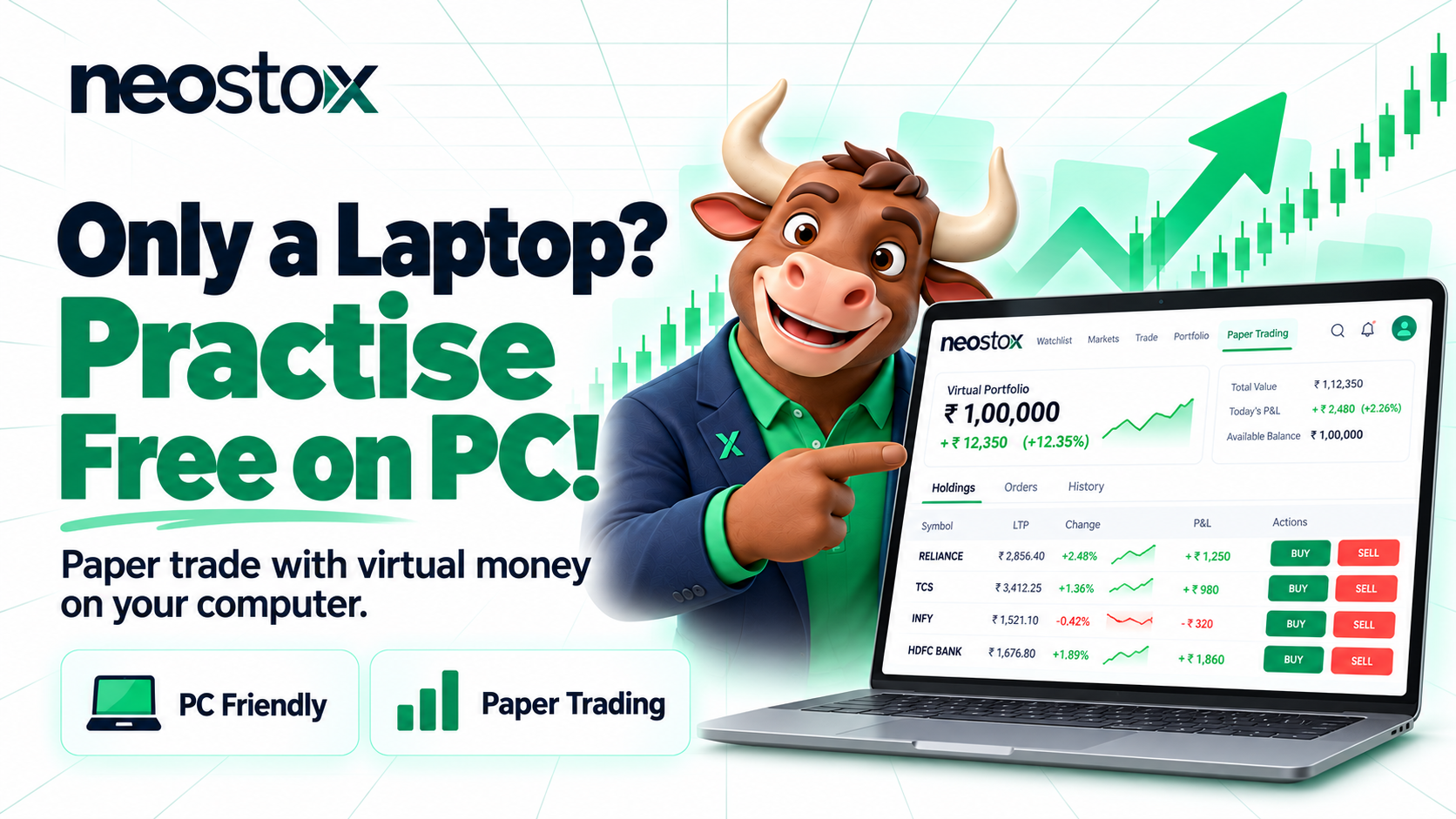
Neostox includes a paper trading feature covering equities, futures, and options, letting you place simulated orders on NSE and BSE instruments using virtual capital, right from a laptop or desktop browser, alongside the same charting tools you'd use once you're trading for real.