
Quick formula: Quantity = the smaller of (planned loss ÷ stop distance) and (position-value limit ÷ entry price), then cut it further if the combined limits have less room left.
All rupee amounts and limits in this guide are illustrations, not recommendations.
What Does Virtual Capital Allocation Mean?
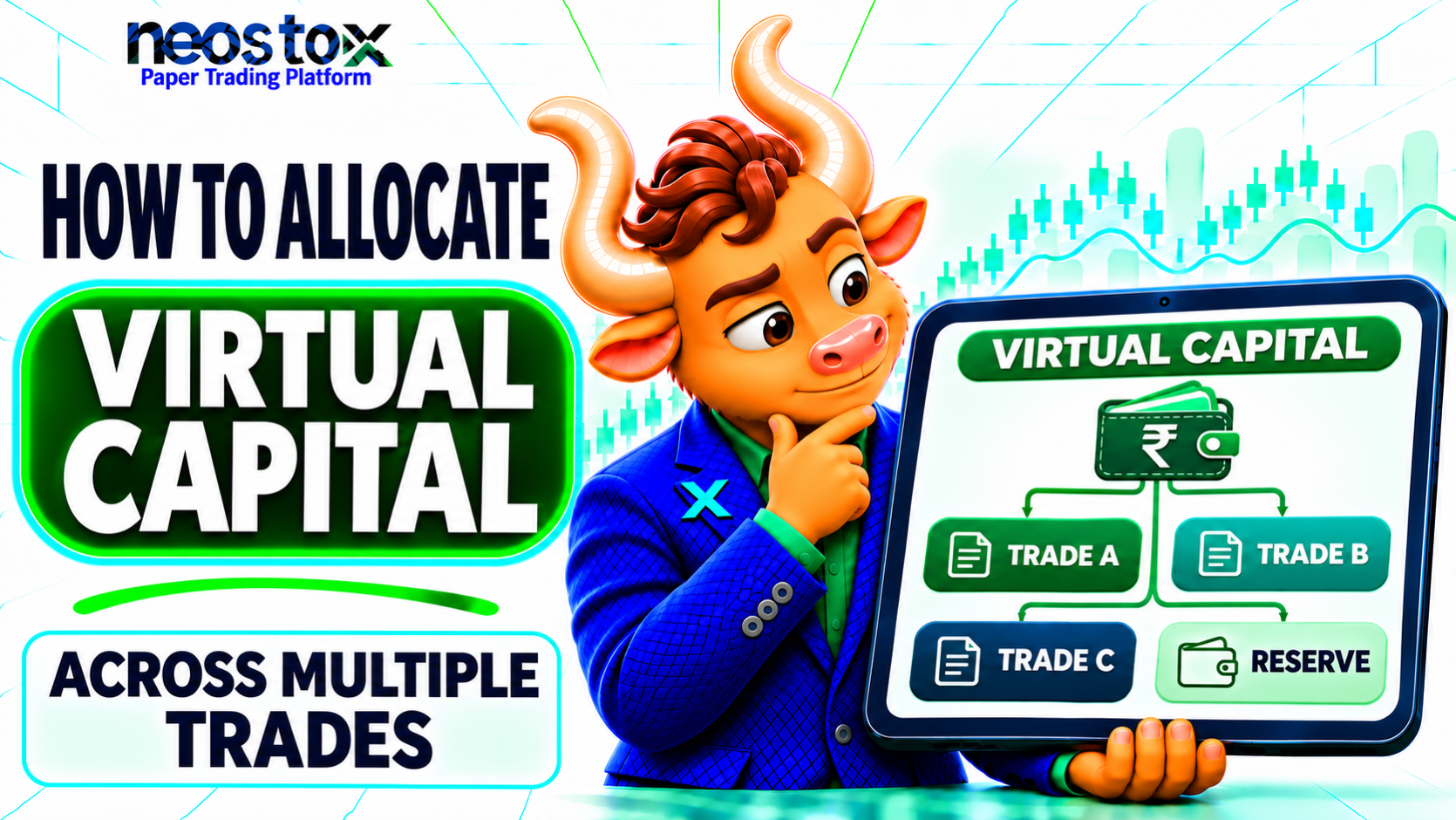
Virtual capital is the simulated balance in your practice account. Allocation is how you split that balance across positions. A trade has two separate numbers: the money it holds and the money you could lose on it. Mixing the two up is the most common sizing mistake. Allocation across several trades adds a third question: how much do all your open trades hold and risk together?
Account Balance vs Position Allocation vs Planned Risk
| Term | Meaning | Example (₹1,00,000 account) |
|---|---|---|
| Virtual capital | The simulated account balance | ₹1,00,000 |
| Position allocation | The value of shares held in one position | 100 shares × ₹250 = ₹25,000 |
| Planned risk | The loss if your stop fills at its price | 100 × ₹5 stop distance = ₹500 |
These figures are related but not interchangeable. A ₹25,000 position does not mean a ₹25,000 loss. It also does not mean a ₹500 loss for certain. A price gap can push the real result past the planned figure.
How Much Virtual Capital Should You Start With?
There is no single right amount. Use a balance that resembles a plausible future trading budget, or set your own lower working limit if your platform starts you with a fixed amount. A bigger balance does not make your practice better. It can make careless sizing look safe, because large positions fit easily inside it.
Match the Simulation to a Plausible Live Budget
Ask what you might actually trade with later, then practice with that figure. Two hypothetical profiles show the idea:
- Profile 1: A student expects to start small. They practice with ₹25,000 and limit each trade's planned loss to a few hundred rupees.
- Profile 2: A salaried trader expects to use ₹3,00,000. They practice with ₹3,00,000 and the same percentage limits.
The percentages stay the same while the rupees scale. That makes results comparable if your budget changes.
What if Your Platform Gives a Fixed Amount?
Some platforms fix the starting balance. On Neostox, the plans page lists a different virtual-money amount for each plan. At the time of writing, the Basic plan lists ₹5 lakh. Check the current table before you plan.
If the fixed amount is larger than you would really trade, set a working limit. Write "working capital: ₹1,00,000" in your journal and size every trade as if that were your whole account. Track the committed value against the working limit, not the platform balance. The unused remainder simply sits outside your test.
Set Risk Rules Before You Allocate Trades
Write four limits before you open the first trade. They are your allocation rules. Change them only between test periods, not in the middle of one. The examples below use ₹1,00,000 and are illustrative.
| Limit | What it caps | Illustrative setting | In rupees |
|---|---|---|---|
| Planned loss per trade | Loss if one stop fills at its price | 0.5% of capital | ₹500 |
| Position value per trade | Cash held in one position | 25% of capital | ₹25,000 |
| Combined planned loss | Total planned loss across all open trades | 2% of capital | ₹2,000 |
| Combined position value | Cash held across all open trades | 80% of capital | ₹80,000 |
The last row leaves 20% uncommitted. That reserve is not a rule of nature. It is a choice that stops a few trades from using up the whole balance.
Choose a Planned-Loss Budget per Trade
Pick a small fraction of capital that one stopped-out trade may cost. Then every trade carries a similar planned loss, whatever the share price. How to practice stop loss in paper trading shows the same idea with one trade. A stop may fill worse than planned, so the budget is a plan, not a guarantee.
Add Combined-Loss and Drawdown Guardrails
One trade at 0.5% is small. Five losing trades at the same time are not. A combined limit stops you from stacking risk quietly. Many traders also set a daily loss limit and a pause rule, such as stopping for the day after a set loss. These are personal rules, and no percentage is universally safe. Trading drawdown explained shows why a 20% fall needs a 25% gain to recover.
Cap Position Value and Leave a Reserve
A tight stop can make a position very large. A ₹1 stop distance on a ₹250 share would allow 500 shares under a ₹500 loss budget. That is ₹1,25,000 of stock in a ₹1,00,000 account. The position-value cap catches this. The Neostox FAQ says you can enter a fixed investment amount or allocate a percentage of your available virtual capital. That maps neatly onto a value cap.
Calculate Paper-Trade Position Size
For an unleveraged paper equity trade, work out four quantities and take the smallest. Round each down to whole shares.
Loss-limit quantity = planned loss per trade ÷ |entry − stop|
Value-limit quantity = max position value ÷ entry price
Combined-loss room = (combined loss limit − loss already planned) ÷ |entry − stop|
Combined-value room = (combined value limit − value already held) ÷ entry price
Allowed quantity = the smallest of the four
If the stop equals the entry, the distance is zero and the loss formula breaks. Treat it as "no valid trade" and fix the stop.
Equity Example: Shares Allowed by Stop Distance
Take the first trade: entry ₹250, stop ₹245, so the distance is ₹5.
| Step | Calculation | Result |
|---|---|---|
| Loss-limit quantity | ₹500 ÷ ₹5 | 100 shares |
| Value-limit quantity | ₹25,000 ÷ ₹250 | 100 shares |
| Allowed quantity | The smaller | 100 shares |
| Position value | 100 × ₹250 | ₹25,000 |
| Planned loss | 100 × ₹5 | ₹500 |
Both limits give 100, so either one is binding. If the stop moved to ₹248, the loss-limit quantity would rise to 250. The value limit would still hold it at 100. A position-sizing rule needs both limits for that reason. The loss-based part is explained step by step in how to practice stop-loss in paper trading.
Apply Cash, Lot and Cost Constraints
The result must also fit what your account actually allows.
| Constraint | Effect on quantity |
|---|---|
| Available cash | You cannot hold more value than the balance left |
| Whole shares | Round down, never up |
| Costs | Brokerage and charges add to a real loss, so leave some room |
| Lot size (F&O) | Quantity moves in lots, which needs a separate method |
This guide covers simple equity examples. Futures and options need their own method, as the F&O section explains.
Allocate Funds Across Several Open Trades
Size trades one at a time, in the order you plan to open them. Each trade uses up some of the combined value and loss room, and the next trade gets what is left. The order matters. The same four trades in a different order can end with different quantities.
Keep a running ledger with four columns: position value, planned loss, cumulative value and cumulative planned loss. The worksheet does this for you, and the example below shows it.
Avoid Double-Counting Funds and Correlated Bets
Two positions that tend to move together act like one bigger position. Say you hold two bank shares and a sector-wide fall hits both stops at once. Your planned loss on each trade looks small, but they lose together. Give related trades the same theme label and add them up. Swing trading risk management explains how correlated positions raise total exposure.
Some risks cannot be diversified away, such as a market-wide fall. Holding many positions does not remove that.
Also watch averaging down. Adding to a loser raises your committed value on a trade that is already wrong. Averaging down vs planned scaling in shows how a lower average price does not lower the loss.
Know Your Platform's Open-Position Limit
Some platforms cap how many positions you can hold at once. On Neostox, the plans page lists an active-positions limit that differs by plan, and the Basic plan lists 4 at the time of writing. If your plan caps open trades, that cap is one more constraint. With 4 slots, a 25% value cap per trade would fill the whole balance. Decide your per-trade cap with the slot count in mind.
₹1 Lakh Virtual Capital Allocation Example
This example uses the four limits from above on four hypothetical equity trades. Prices are made up. Costs and margin are excluded.
Limits: ₹1,00,000 capital; ₹500 loss per trade; ₹25,000 value per trade; ₹2,000 combined loss; ₹80,000 combined value.
| Trade | Entry / stop | Distance | Loss-limit qty | Value-limit qty | Combined room, shares (loss / value) | Allowed | Binding limit |
|---|---|---|---|---|---|---|---|
| A (Theme 1) | ₹250 / ₹245 | ₹5 | 100 | 100 | 400 / 320 | 100 | Per-trade loss |
| B (Theme 2) | ₹400 / ₹392 | ₹8 | 62 | 62 | 187 / 137 | 62 | Per-trade loss |
| C (Theme 1) | ₹120 / ₹118 | ₹2 | 250 | 208 | 502 / 251 | 208 | Per-trade value |
| D (Theme 3) | ₹600 / ₹588 | ₹12 | 41 | 41 | 49 / 8 | 8 | Combined value |
Here is the running ledger:
| Trade | Position value | Planned loss | Cumulative value | Cumulative planned loss |
|---|---|---|---|---|
| A | ₹25,000 | ₹500 | ₹25,000 | ₹500 |
| B | ₹24,800 | ₹496 | ₹49,800 | ₹996 |
| C | ₹24,960 | ₹416 | ₹74,760 | ₹1,412 |
| D | ₹4,800 | ₹96 | ₹79,560 | ₹1,508 |
Read the result in three parts:
- Committed: ₹79,560, which is 79.56% of capital. The uncommitted balance is ₹20,440.
- Planned loss: ₹1,508, which is 1.51% of capital. That is ₹492 under the ₹2,000 combined limit.
- The fourth trade was squeezed. Trade D could have held 41 shares on its own limits. Only ₹5,240 of combined value room was left, so it got 8 shares.
Trades A and C share Theme 1. Together they hold ₹49,960, or 49.96% of capital, even though neither breaks the 25% cap. The worksheet shows this by theme. Whether that is acceptable is your decision. The sheet does not enforce a theme cap.
Stress-Test a Worse Simulated Exit
Planned loss assumes stops fill at their prices. Suppose trade A gaps and its stop fills at ₹242 instead of ₹245. The loss is 100 × ₹8 = ₹800 against a plan of ₹500, which is 1.6 times the budget. If every stop in the ledger filled at twice its planned distance, the combined loss would be about ₹3,016, or 3.02% of capital. That is a stress assumption, not a forecast. A stop is not a guaranteed worst case.
Equity vs F&O Virtual Capital Allocation
The method above works for simple, unleveraged equity examples. Futures and options behave differently, so do not copy these numbers into them.
| Point | Equity (cash) | Futures and options |
|---|---|---|
| What you hold | Shares at their full price | Contracts with a notional value |
| Capital used | Position value | Margin, or premium for bought options |
| Size unit | Single shares | Lots set by the exchange |
| Possible loss | Up to the full value, usually less with a stop | Differs by position, and can exceed capital used |
Notional Value, Premium, Margin and Possible Loss
Notional value is the full size of the contract. Margin is the deposit a broker or simulator requires. Premium is what a bought option costs. These are four different numbers, and none of them is the same as possible loss. A bought option can lose at most its premium. A sold option or a futures position can lose far more than the margin held. Leverage can multiply profits and losses alike. Record lot size, premium, notional value and margin assumptions in separate columns.
Simulator Margin Limits vs Broker Margin Checks
A simulator may not apply the same margin, price-band or order checks as a live broker. Neostox's FAQ says it calculates simulated hedge margins and has an Isolation Mode that keeps a position's margin and performance separate from your other open positions. Read the FAQ and the basket orders page before relying on either. Do not assume a simulated margin matches what a broker would ask for. Check current lot sizes and margin rules with the exchange and your broker.
How to Set Virtual Funds in a Paper Trading App
Every app differs, so match these steps to your own screen.
- Open the account or settings area and find where the virtual balance is shown.
- Note the starting amount and whether you can change it.
- Decide your working limit, and write it in your journal.
- Record the date as the start of a test period.
- Place one small trade and confirm that cash left and position value update as expected.
Editable Balances, Fixed Balances and Resets
Some platforms let you top up or reset the balance. Others fix it by plan. Neostox's FAQ says you can top up virtual capital up to the limit the platform permits, and its video tutorials include a topic on topping up. Whatever your platform does, record each top-up or reset with a date. A reset breaks your equity curve. Start a new test ID after it, and do not blend the old and new records. The drawdown article above makes the same point.
Track the Account and Review Allocations
Review your ledger weekly. Check whether you stayed inside your four limits and which limit bound most often. If the combined-value limit keeps shrinking your last trades, your per-trade caps may be too generous for the number of trades you take.
Keep Capital, Reserved Funds and Results Distinct
Keep these columns apart in your records:
- Working capital: the balance you are testing with
- Committed value: cash held in open positions
- Reserve: the balance not committed
- Planned loss: the loss if all open stops fill at their prices
- Realized and unrealized P&L: results, kept separate
Never mix test balances with real funds. Neostox's trading reports show simulated P&L, margin and costs, but your own ledger is the record of what you planned. For stop and exit practice, see how to practice partial profit booking in paper trading.
Common Virtual Capital Allocation Mistakes
| Mistake | Impact | Correction |
|---|---|---|
| Sizing only by stop distance | A tight stop makes a huge position | Also cap position value per trade |
| Ignoring combined risk | Several losses can land together | Set a combined planned-loss limit |
| Treating correlated trades as separate | Hidden concentration | Label themes and add them up |
| Using the whole balance | No room for the next idea | Keep a reserve uncommitted |
| Resetting after losses | A hidden track record | Start a new test ID with each reset |
| Copying equity sizing into F&O | Wrong exposure | Use a separate method for contracts |